
Run your dance studio's levels, recital fees and tuition in one place
A dance studio is many small groups: styles, levels, ages, and a recital season that adds costs only some students pay. Membrix keeps tuition, one-off charges and attendance separate, so nobody has to guess who owes what.
Free plan with unlimited students. No credit card to start.
Membrix's app and dashboard are currently available in Spanish.
Situations that only come up in dance studios
Recital season adds charges only some students owe
Twelve students are in the spring number and forty are not. With “Add charge” (Agregar cargo) you pick the students, choose a concept such as Event or Uniform, set the amount and the due date, and the charge shows up in each account next to tuition. You can select up to 300 students at once, and everyone else owes nothing extra.
One student, two styles, one balance
A student who takes ballet on Mondays and jazz on Wednesdays can be enrolled in both programs, each with its own price and its own classes, and still has a single account. The balance adds up both programs without mixing them, so you never chase two separate accounts.
Every level has its own room, day and teacher
Each class carries a name, level, room, capacity and its own time for each day it meets. You can assign a different teacher to each day, so the Tuesday ballet class and the Saturday one can share a level but not a teacher. A list-type custom field such as “Level” or “Shoe size” can be used as a filter in Students and Payments.
A cancelled class is not a lost class
When the teacher is out or the room is closed, cancel just that session and reschedule it. Students move to the new date on their own, and the series stays intact. Telling them by app notification is a Pro feature; on the free plan you send the message yourself.
How dance studios use Membrix
- 1
One program per style or level
In Programs you create “Ballet 1” or “Hip hop teens”, each with its own price, billing day and one-time charges at sign-up such as a registration fee. Programs can bill monthly, for a fixed-length course with a set number of payments, or as a one-time charge.
- 2
Set up classes with rooms and teachers
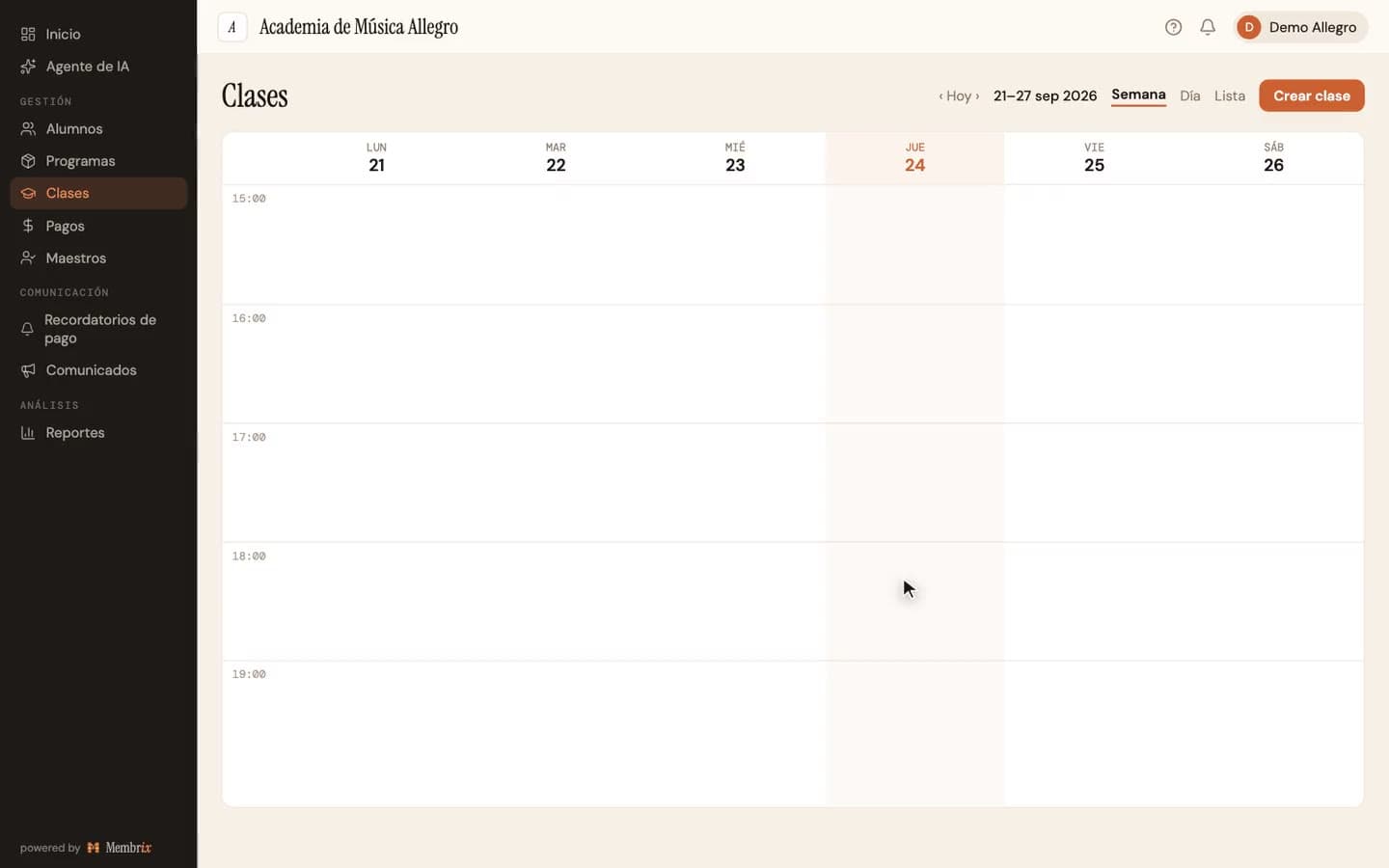
Create each class from the calendar: for one student or a group, which days and what time, weekly or one day, and start and end dates. Add a room, a capacity and a teacher for each day.
- 3
Charge recital and costume fees on the side
Use Add charge for anything that isn't tuition. Each charge appears in the student's account with its own name. Late fees are set per program and discounts per enrollment.
- 4
Take attendance and keep the history
Open a session and mark each student present, late, excused or absent. Teachers can also mark attendance from the web portal, which is free, and the history stays on each student's record.
What's included
Items marked Pro need the Pro plan ($49/month per location); everything else is on the free plan.
- Programs by style and level, with their own price and billing day
- Classes with room, capacity, time per day and a teacher per day
- One-off charges for recitals, costumes or workshops, up to 300 students at once
- Attendance per session: present, late, excused, absent
- List-type custom fields you can filter by, such as level or shoe size
- Web portal for teachers and students
- Automatic payment remindersPro
- Announcements about rehearsals and shows, sent to the mobile appPro
- Inventory and sales for shoes, leotards or merchandisePro
What Membrix doesn't do
So you know up front whether it fits.
- Membrix doesn't sell recital tickets or assign seats. It tracks who owes what for the show, not who sits where.
- It records the charge for a costume, not which costume a student was issued. If you need that, a custom field can hold it, but there is no wardrobe tracking.
- There is no per-class drop-in price. The closest thing is a class package: a pre-paid number of classes with an expiration, deducted as you take attendance.
- Reminders, announcements, the mobile app and inventory are Pro. The app and dashboard are in Spanish.
Frequently asked questions about Membrix for dance studios
Can I charge recital fees only to the students who perform?
+
Yes. In Payments, use Add charge, pick the students in the number (up to 300 at a time), choose a concept and an amount, and set a due date. The charge appears in each selected student's account, and students you didn't select never see it.
How do I handle a student who takes several styles?
+
Enroll the student in one program per style. Each program keeps its own price, day and classes, and the student still has one account with one combined balance, so you can see everything owed without opening several records.
Can adults and children share the same studio setup?
+
Yes. Classes carry their own level, room and capacity, so a beginner adult class and a young students' class are just two classes. A student can be a minor or an adult, and the registration form asks whether the person signing up is the student or a guardian.
Do I need a paid plan to run my studio?
+
No. The free plan has unlimited students, programs, classes, attendance and payment tracking, with no credit card to sign up. Pro adds reminders, announcements, the mobile app, reports, inventory and more.
Is Membrix available in English?
+
Not yet. The app and dashboard are in Spanish today, and so are the messages Membrix sends on your behalf. Your own class names, program names and custom fields can be in any language, since you type them.
Other disciplines and features you might need
Membrix works for any after-school academy. Here are more pages about it:
Class scheduling software
Build the weekly schedule, reschedule sessions and manage capacity.
Student attendance software
Take attendance per session, by teacher portal or QR kiosk.
Tuition reminder templates
Copy-paste messages for tuition that is due or late.
Music school management software
Private lessons, group classes and exam fees.
Put your studio's schedule and tuition in one place
Create an account, add your classes and enroll your first students. The free plan has unlimited students.
Free plan with unlimited students. Pro is $49 a month per location, with a 7-day free trial.
Membrix's app and dashboard are currently available in Spanish.