
Private lessons, group classes and tuition for your music school
In a music school, most lessons are one teacher and one student at a fixed slot, and every teacher's week looks different. Membrix handles individual lessons and group classes in the same calendar and keeps the money for each apart.
Free plan with unlimited students. No credit card to start.
Membrix's app and dashboard are currently available in Spanish.
Situations that only come up in music schools
Fifty private lessons that don't look alike
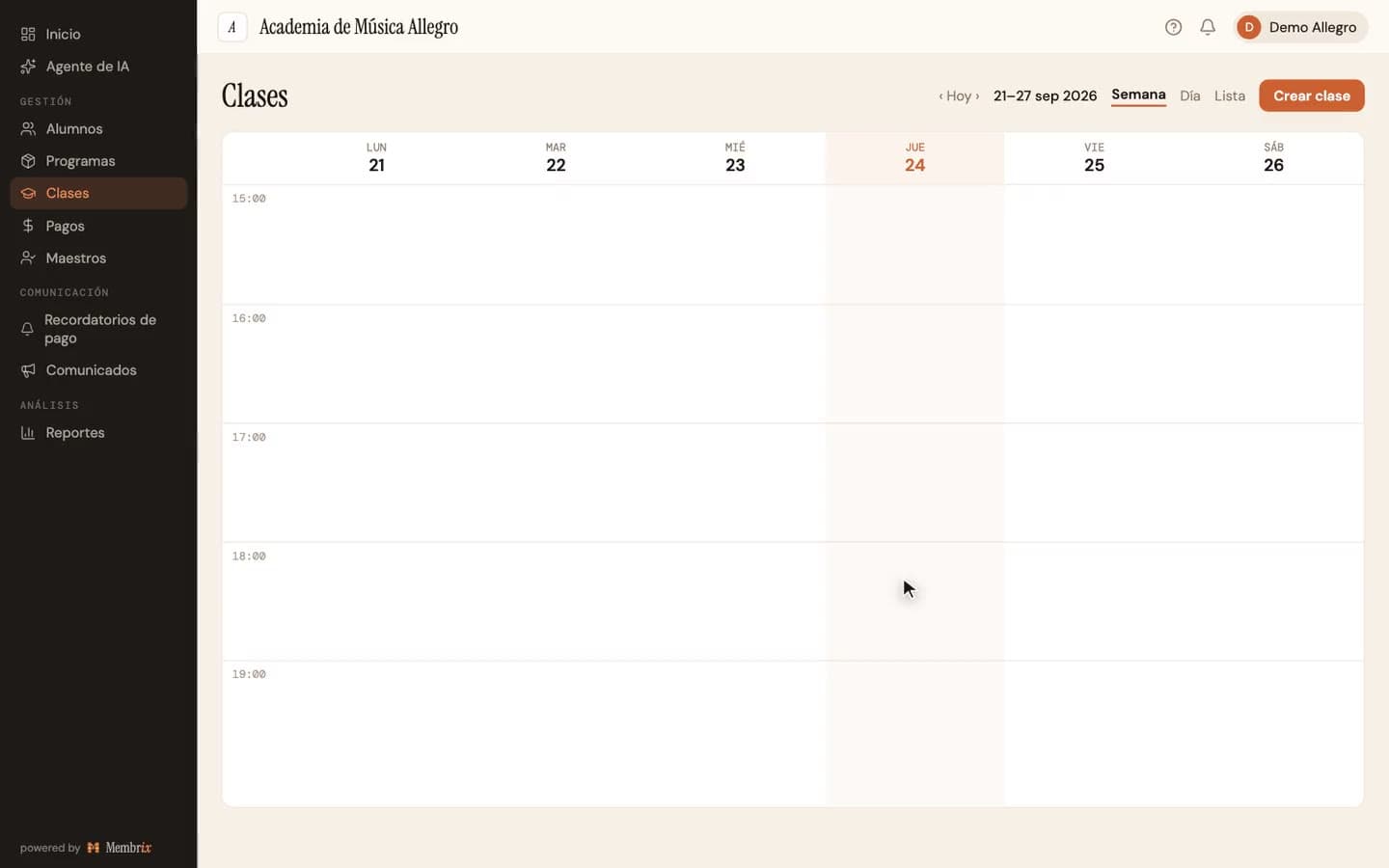
When you create a class you choose whether it is for a group or for one student. For one student, Membrix enrolls that student in the same step and names the class after them, with the day and time. Each lesson has its own time for each weekday, so Tuesday at 4:00 and Thursday at 4:30 can be the same series.
Piano, guitar and choir under one roof
Each instrument can be its own program with its own monthly price, and a student who takes two instruments is enrolled in both. A list-type custom field such as “Instrument” can be used as a filter in Students and Payments, so you can find every cello student in seconds.
Exam and recital fees aren't tuition
A board exam, an accompanist or a recital costs money only for the students who take part. With “Add charge” (Agregar cargo) you pick those students, choose a concept such as Event or Other, and set an amount and a due date. It appears in their accounts as its own line, separate from monthly tuition.
A student misses a lesson, or the teacher does
Cancel just that session and reschedule it: the student moves to the new date and the series stays as it was. If a substitute covers a day, assign that session to another teacher without touching the rest of the year.
How music schools use Membrix
- 1
Set up programs and pricing
Create a program per instrument or per format, such as “Piano, 30-minute private” or “Youth choir”. Choose monthly billing, a fixed-length course with a set number of payments, or a class package with an expiration in weeks.
- 2
Create lessons from the calendar
Click a time slot, choose a student or a group, pick the weekdays and the time for each, and set when the series starts and ends. The button tells you how many dates it will create before you confirm.
- 3
Charge tuition and the extras
Payments shows who has paid and who owes, with a status for each charge. Record cash, transfer or card payments as they come in, and use Add charge for exams, recitals or materials.
- 4
Take attendance and keep the record
Each teacher opens their sessions in the web portal and marks students present or absent. Pro adds the mobile app, and assessments with attached photos or PDFs for grade exams.
What's included
Items marked Pro need the Pro plan ($49/month per location); everything else is on the free plan.
- Individual and group classes in the same calendar
- Programs by instrument with monthly, course or package billing
- One-off charges for exams, recitals and materials
- Reschedule cancelled sessions and assign substitutes per session
- Attendance per session and a web portal for teachers
- List-type custom fields with filters, such as instrument
- Automatic payment remindersPro
- Assessments with attached evidence and level decisionsPro
- Mobile app for teachers and students, and announcementsPro
What Membrix doesn't do
So you know up front whether it fits.
- Membrix isn't a practice tracker or a sheet-music library. It doesn't know what a student is playing this week.
- It doesn't calculate teacher pay. Pro lets you record payroll as an expense, but the amount is yours to compute.
- It doesn't warn you if two lessons overlap in a room or for a teacher; you check that when you set up the schedule.
- Reminders and the mobile app are Pro. The app, the dashboard and the messages sent to your students are in Spanish.
Frequently asked questions about Membrix for music schools
Can I mix private lessons and group classes?
+
Yes. Each class is either for a group or for one student, and both live in the same calendar with the same attendance and billing. The name of a private lesson can be generated automatically from the student's name, the day and the time.
How do I bill a student who takes two instruments?
+
Enroll the student in one program per instrument. Each keeps its own price and billing day, and its charges are listed under its own program. If you want a discount on the second instrument, discounts are set per enrollment.
Can I charge for instrument rental or exam fees?
+
Use Add charge for one-off amounts: pick the students, choose Material, Event or Other as the concept, and set the amount and due date. Each charge shows up on the student's account as its own line, separate from tuition.
What if a student pre-pays for ten lessons?
+
Create a one-time program limited to ten classes with an optional expiration in weeks. Each class attended is deducted when you take attendance, and when the expiration passes the enrollment is marked finished. Unused lessons aren't refunded automatically.
Can students book their own lesson times?
+
Students can book classes in programs that allow reservations, with live availability, in the student web portal and the app. Reservations are a Pro feature. Plain enrollment and scheduling work on the free plan.
Other disciplines and features you might need
Membrix works for any after-school academy. Here are more pages about it:
Class scheduling software
Create weekly lessons from the calendar and handle changes.
Tuition reminder templates
Messages you can copy for late tuition or a payment plan.
Dance studio management software
Levels, recital fees and attendance for studios.
Free academy management software
What the free plan includes and where Pro starts.
Put every lesson on one calendar
Create your first lessons, enroll your students and see who owes what. Unlimited students on the free plan.
Free plan with unlimited students. Pro is $49 a month per location, with a 7-day free trial.
Membrix's app and dashboard are currently available in Spanish.